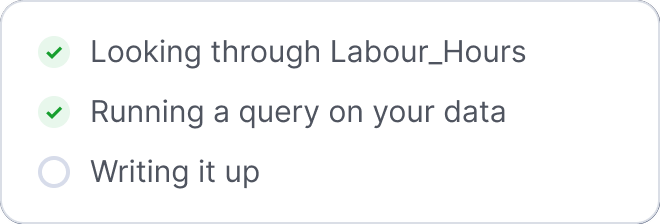
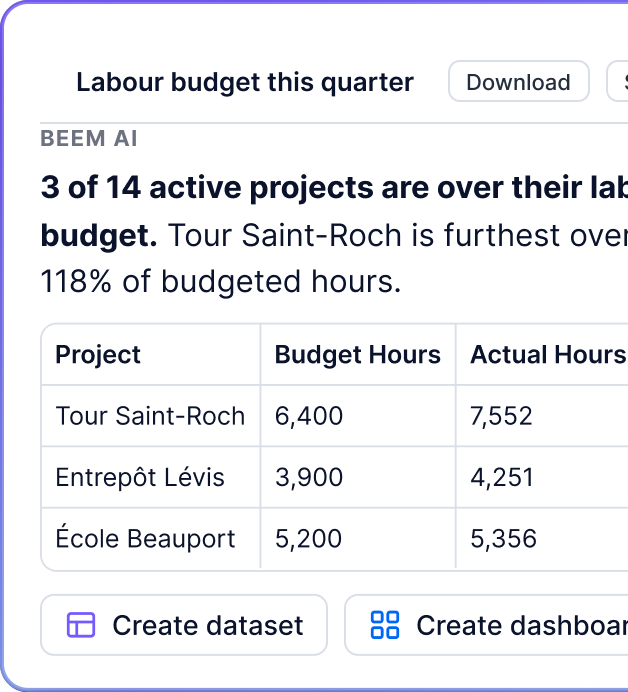
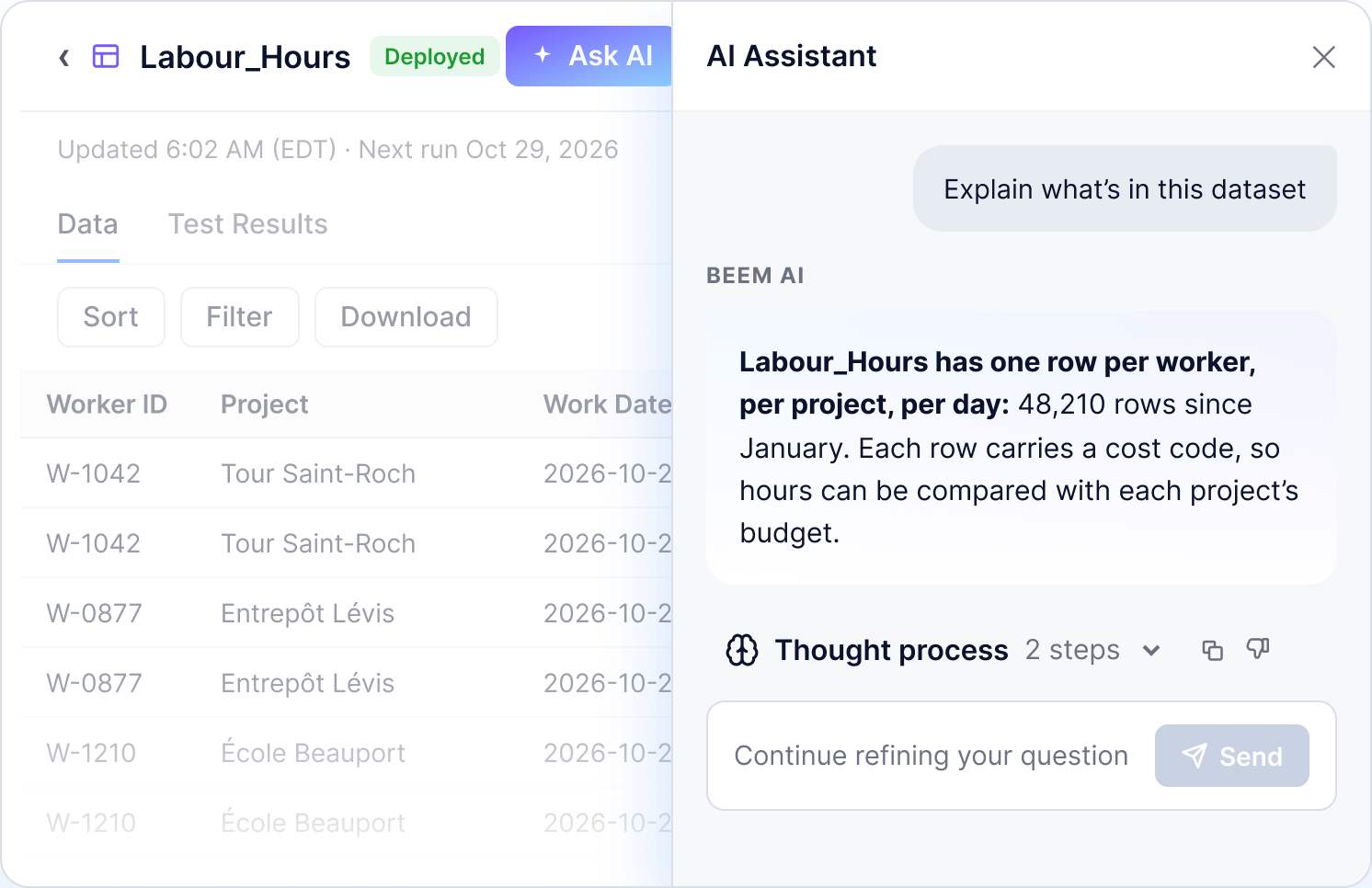
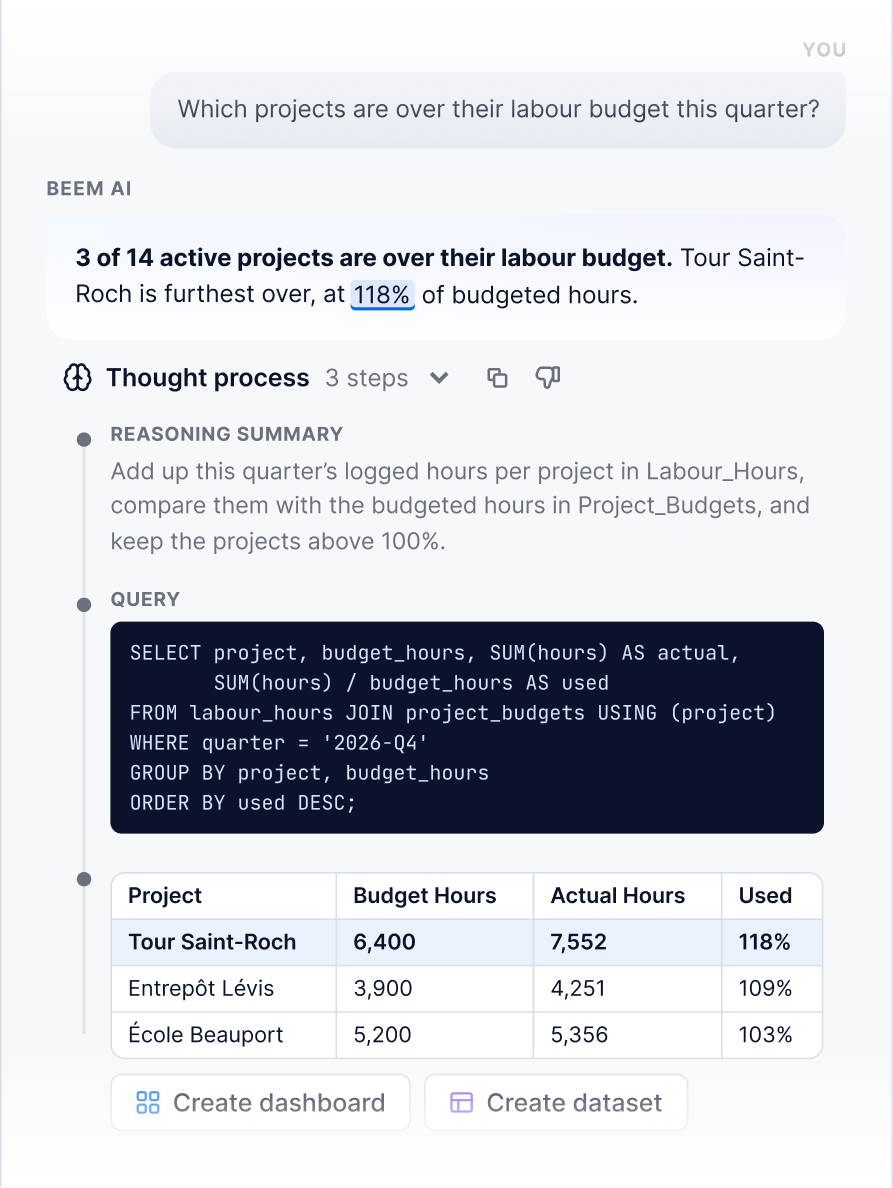
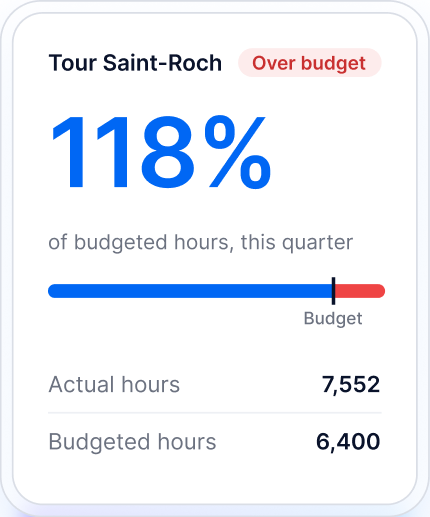
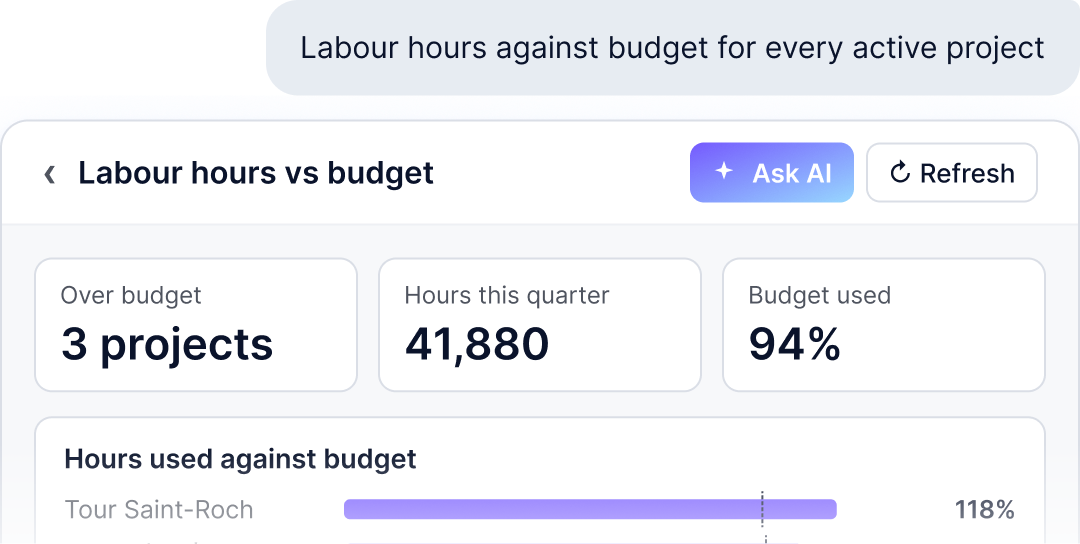
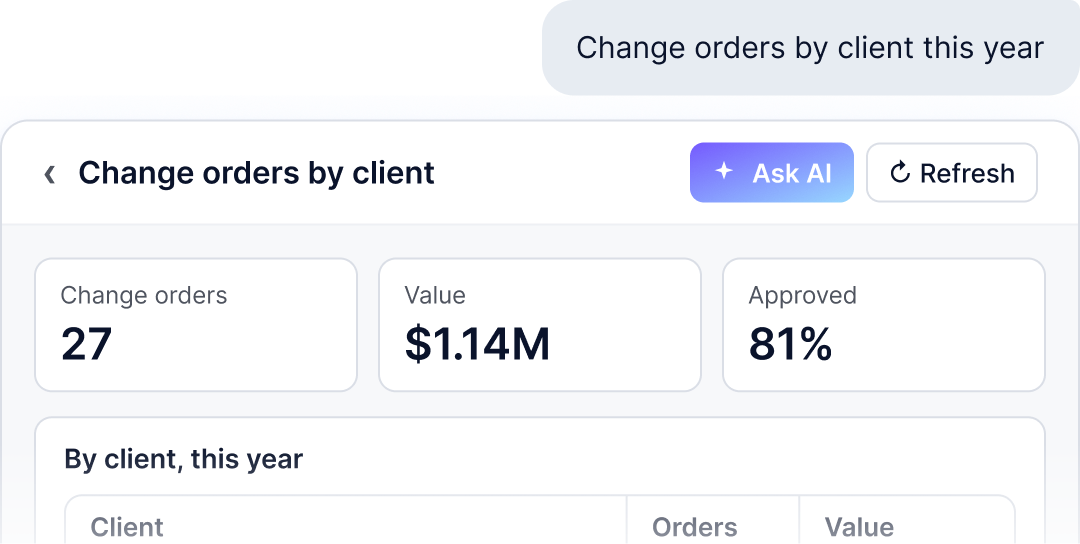
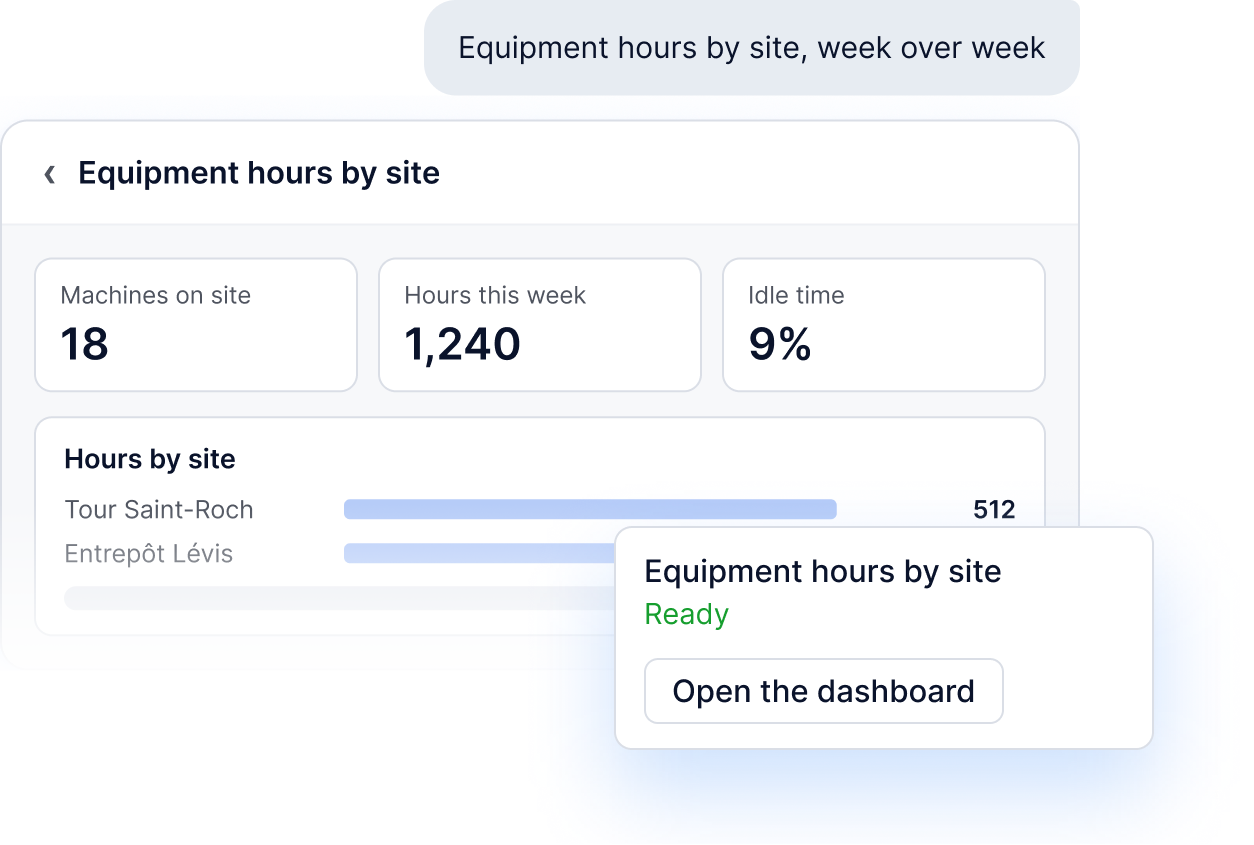
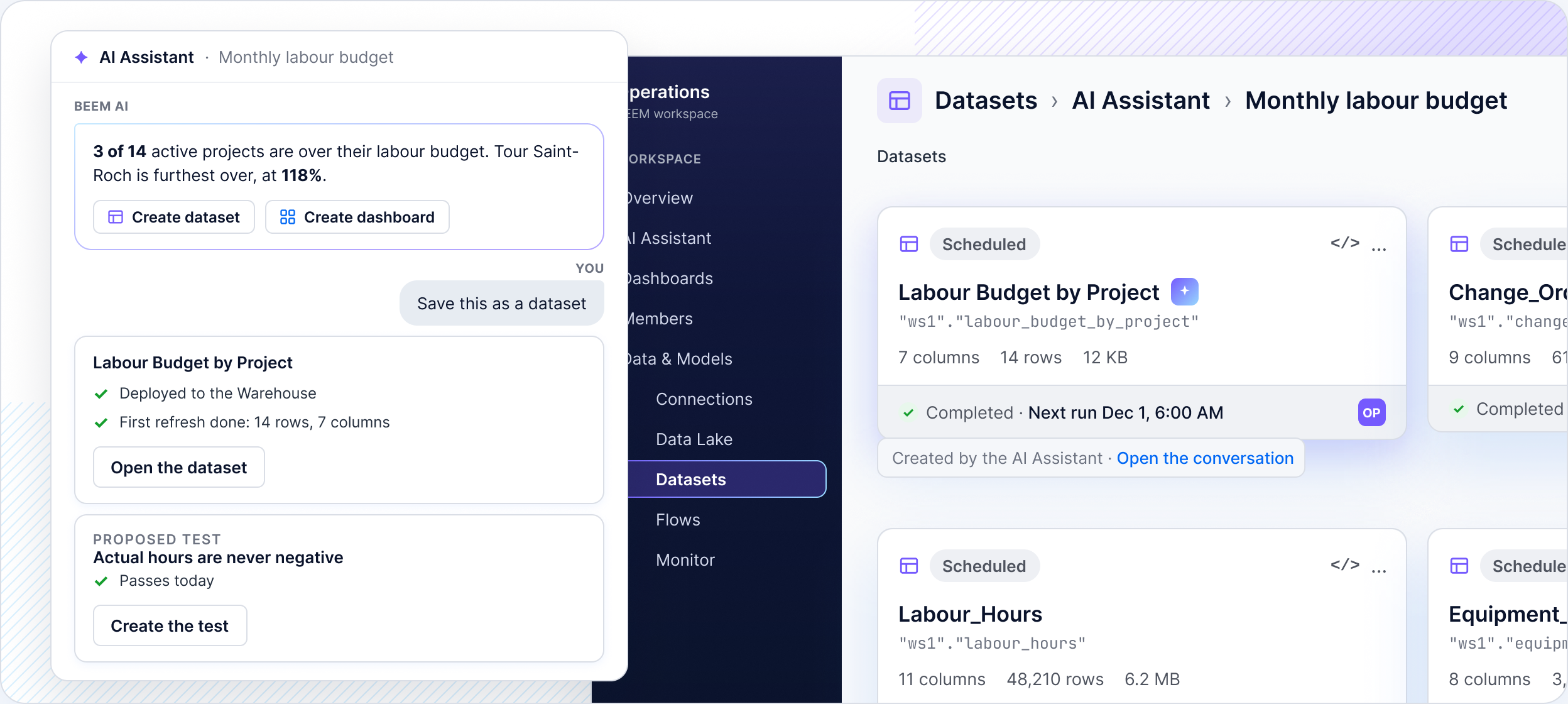
Ask which jobs are over budget in plain language and the BEEM AI Assistant answers from your data, then does the follow-up work. It saves the answer as a dataset, builds the dashboard, proposes a data test or explains a failed refresh, and you review each step.


Companies running on BEEM


Start by connecting Maestro, Procore or QuickBooks once, and BEEM keeps the data fresh in one place.

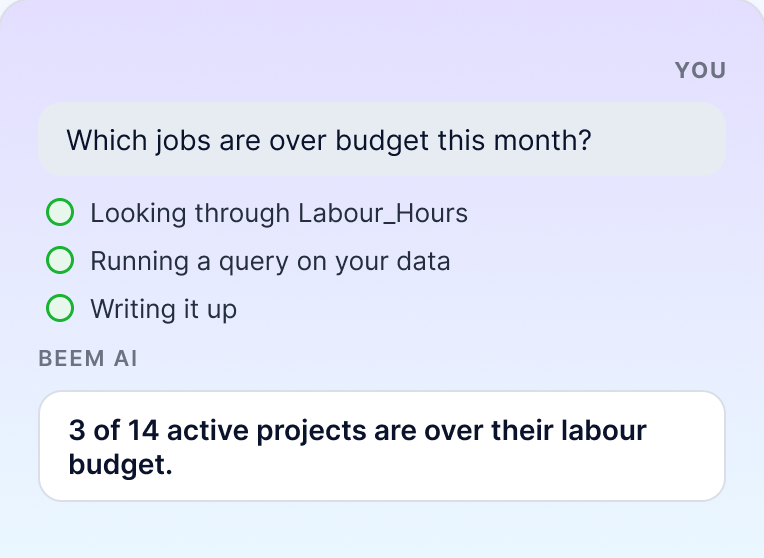
Then anyone on the team asks a question the way they would ask a colleague.

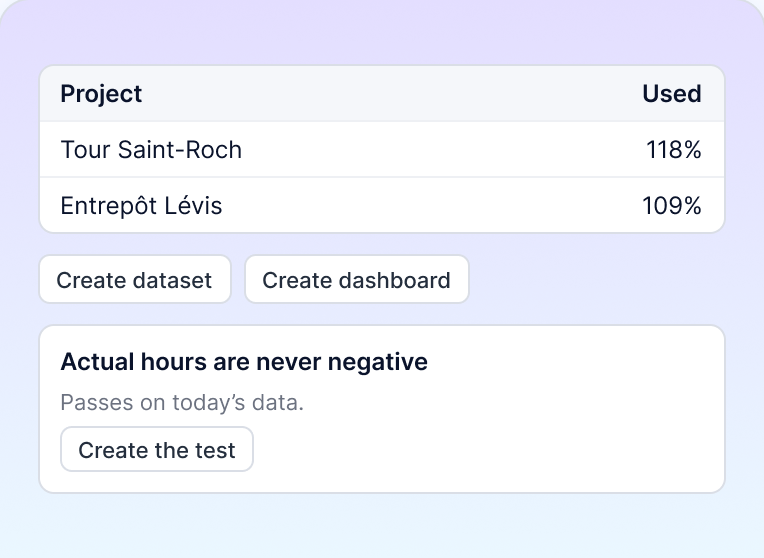
From there, ask it to save the answer as a dataset, build the dashboard or propose a test, and review each one before it is saved.
Click “Ask AI” on a dashboard, dataset, Data Lake table, flow or Monitor and the AI Assistant opens beside your work. It knows what’s on screen, so you can ask questions about “this dataset” in plain language without exporting anything first.


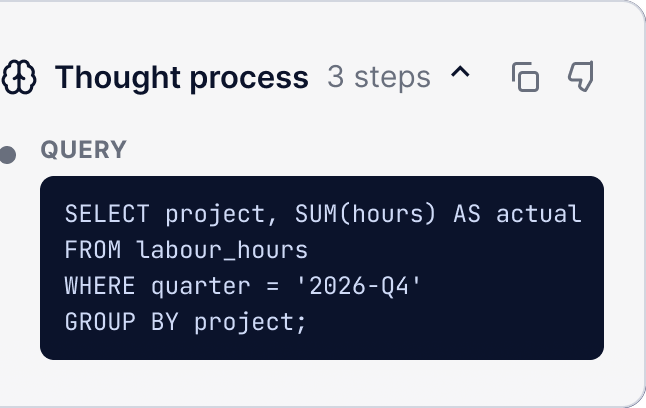
Before a figure goes into a meeting, open “Thought process” under the answer. It shows the SQL the assistant ran and the rows it read, so you can explain any number and catch a wrong one before anyone else does.


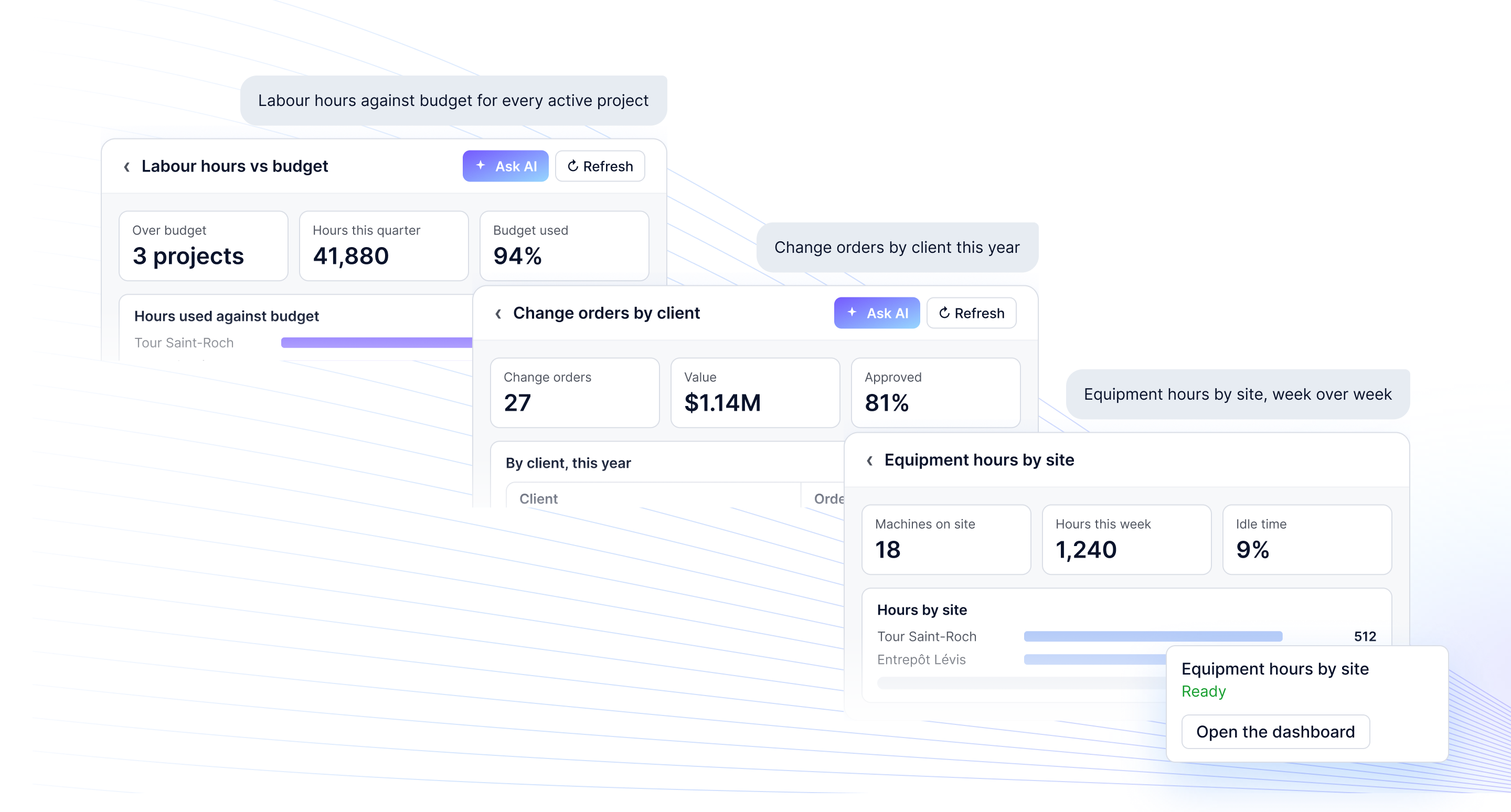
Where AI dashboards are enabled, describe the dashboard you need in your own words. The assistant builds it from your data, usually in a few minutes, so the weekly review gets its report without a ticket to the data team.
See AI dashboards


Conversations are saved in BEEM, so the way someone answered a hard question stays with the team. That turns conversational analytics into a record your colleagues can search, reuse and build on.
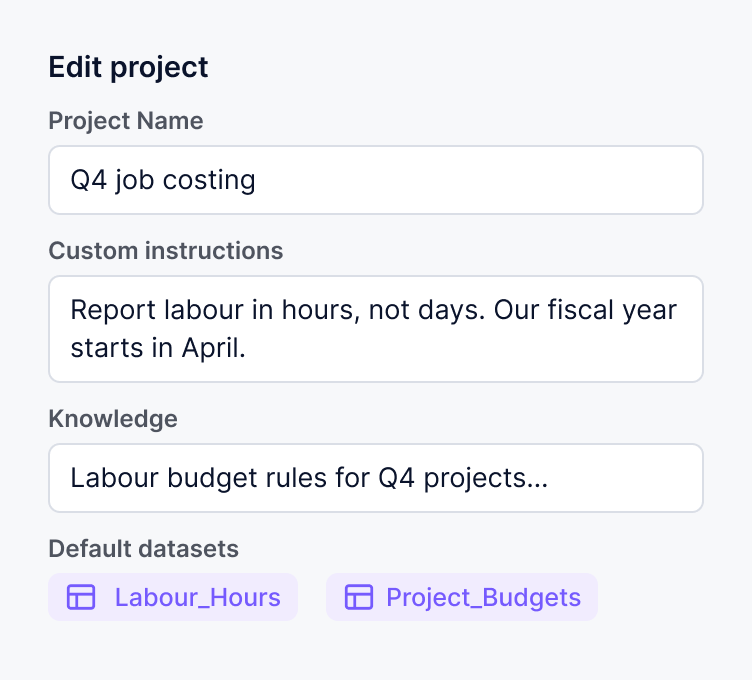
Group related conversations in a project with shared instructions, reference files and default datasets, so each new question begins with what the team already agreed.

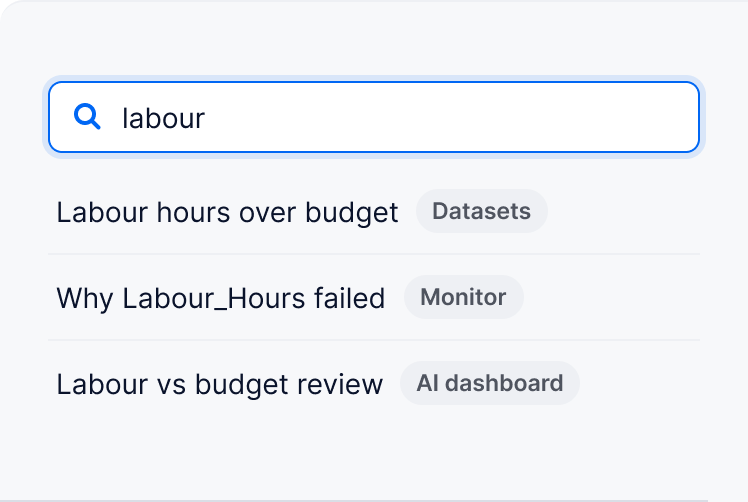
Search past conversations from any device. Each one shows the page where it started, so nobody has to ask the same question twice.

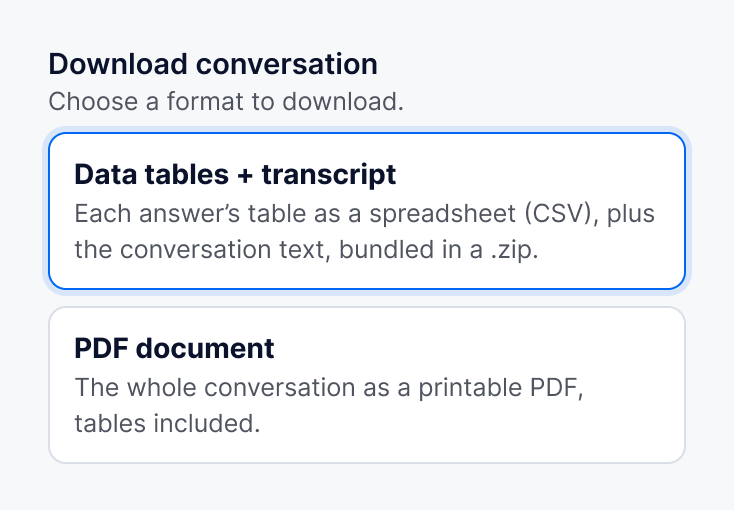
Share a conversation with your workspace as read-only, or download it as a PDF or as CSV tables ready for the board pack.

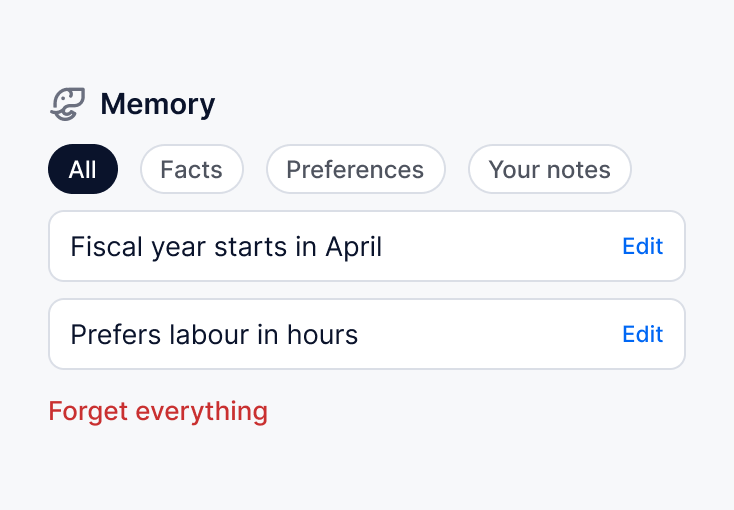
With Memory turned on in your workspace, the assistant remembers your facts and preferences between conversations. You can see, edit or clear everything it keeps.

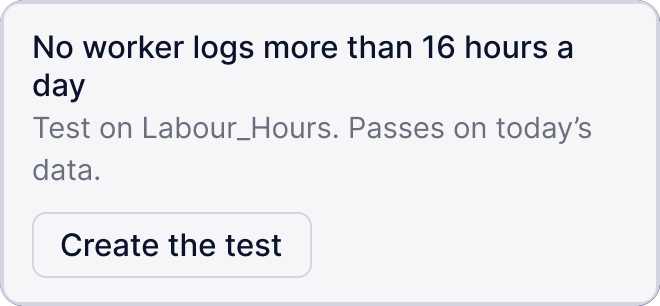
For whoever looks after your data, the assistant can build the dataset behind an answer. Ask it to save the answer as a dataset and it deploys it to the Warehouse, runs its first refresh, then proposes a data test that “passes today”.


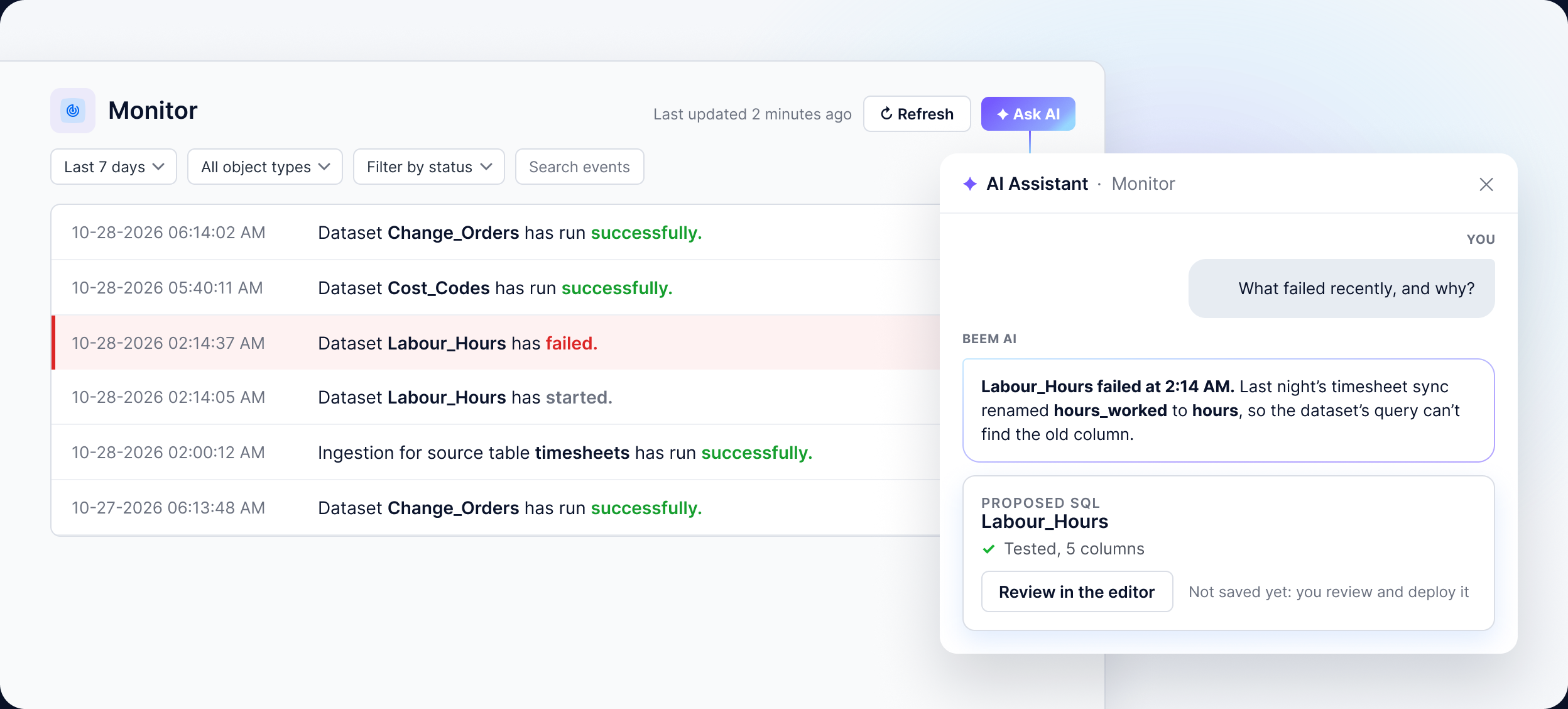
Open Monitor and click “Ask AI”. The assistant reads the failed run, explains in plain language why the refresh failed and proposes a SQL fix it has already test-run. Nothing is saved until you click “Review in the editor” and deploy it.

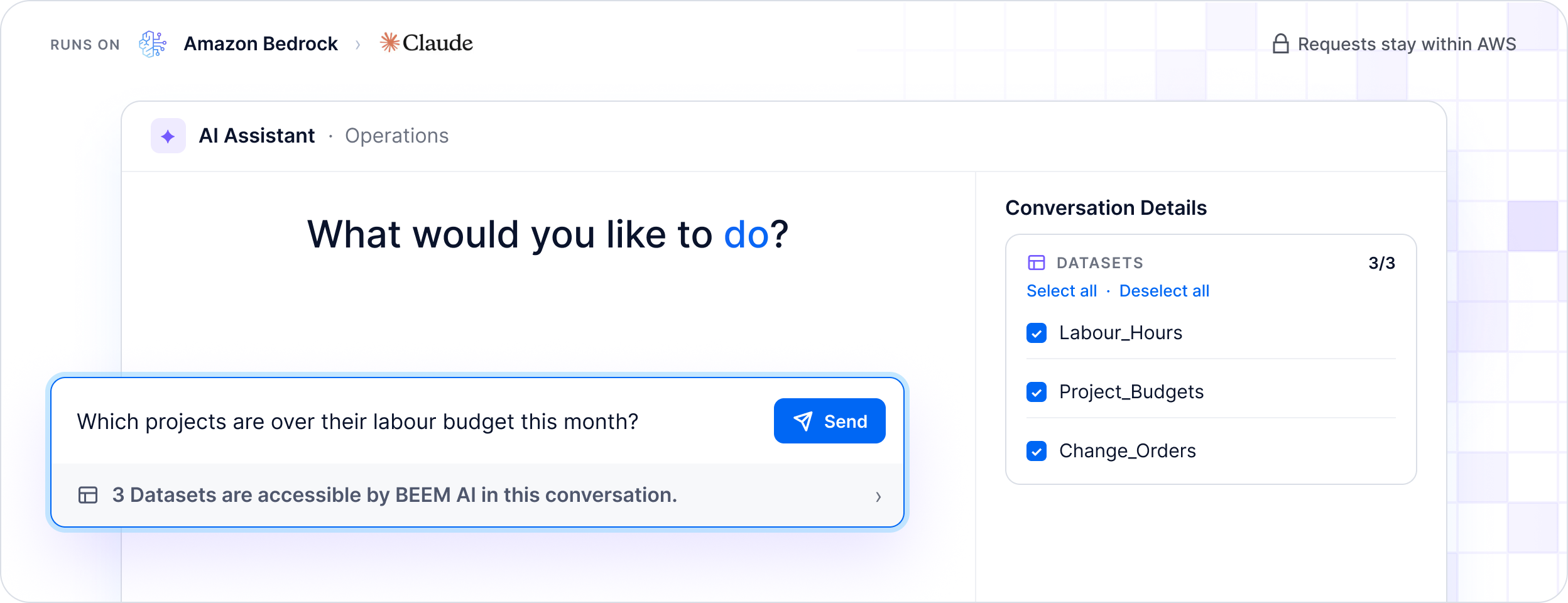
Secure AI data analytics means every query the assistant runs stays inside one workspace. The AI Assistant page reads the datasets marked searchable, the Ask AI panel can use every dataset in the workspace, and queries never change data. Datasets, tests and fixes are saved only when someone clicks.

It runs on Anthropic’s Claude through Amazon Bedrock. Requests stay within AWS, and your conversations aren’t used to train AI models.

BEEM is SOC 2, PIPEDA and GDPR compliant and an AWS Advanced Tier Partner, so your IT lead can check each one before signing off.

The platform is self-serve, and our data experts are available when you need help connecting a complex system or designing the questions that matter.
“With BEEM, we already have this ready-made solution with internal specialists. We can go directly to analysis without having to build a project that could take years.”

Hughes Gagnon
VP Innovation and Technology, Coffrages Synergy
Frequently Asked Questions
It’s the AI assistant for data built into the BEEM platform. You ask about your business in plain language and it answers from your workspace’s datasets. It can also create datasets, tests and, where enabled, AI dashboards.
No. You type the question the way you would ask a colleague, and the assistant writes and runs the SQL itself. Anyone who wants to read the query can open “Thought process” under the answer.
Open “Thought process” to see the reasoning, the query it ran and the data it returned, then compare the figure with its rows. If an answer is wrong, the thumbs-down lets you say what went wrong.
Only datasets in your workspace. The AI Assistant page uses the datasets marked as searchable, and you can narrow each conversation. The “Ask AI” panel can use every dataset in the workspace. It can also read public web pages and your project notes.
No. Its queries are read-only. A proposed dataset, test or SQL fix is saved only when you click to create or deploy it, and you can review each one in the editor first.
BEEM uses Anthropic’s Claude, called through Amazon Bedrock on AWS. Chats with the AI Assistant aren’t used to train AI models, and BEEM holds SOC 2, PIPEDA and GDPR compliance.
Yes, where AI dashboards are enabled in your workspace. Describe the dashboard and the assistant builds it from your data. Only its creator can change it with AI, and everyone it’s shared with can view it.
A general chatbot doesn’t know your numbers. The BEEM AI Assistant runs real queries on your connected data, shows how it got each answer, and acts inside BEEM, for example by saving a dataset or explaining a failed refresh.
Every member of a workspace can open the AI Assistant, because access follows workspace membership. Conversations stay private until you share them or move them into a public project, and shared conversations are read-only for others.
Not yet. The BEEM app, including the AI Assistant, is currently available in English.


Connect a source, ask what you would normally send to your analyst, and let the assistant build what comes next.