Usage & Billing: see usage, plan and invoices in Settings
The Usage & Billing tab in Settings shows what your organization has used this cycle, next to the plan and invoices it is billed against.
Usage & Billing gives Organization Admins one tab for the organization's consumption and billing. The tab opens on a Usage section with data processing and storage, followed by a Billing section with your plan and recent invoices.
Why it matters
When finance asks what the organization has used or what an invoice came to, the answer is in one tab. A day-by-day comparison with the previous cycle helps you spot a change in usage early. You can open your billing portal and any invoice from the same tab.
What you can do
- Track data processing against your plan. The Data processing card shows the DPU used this cycle against the DPU your plan includes, and the days left before it resets. On a pay-per-use plan, the card says the plan is billed on consumption.
- See storage by data lake and warehouse. The Storage card splits one bar into data lake and warehouse, each with its own GB figure, against the storage your plan includes. Any overage is shown in GB.
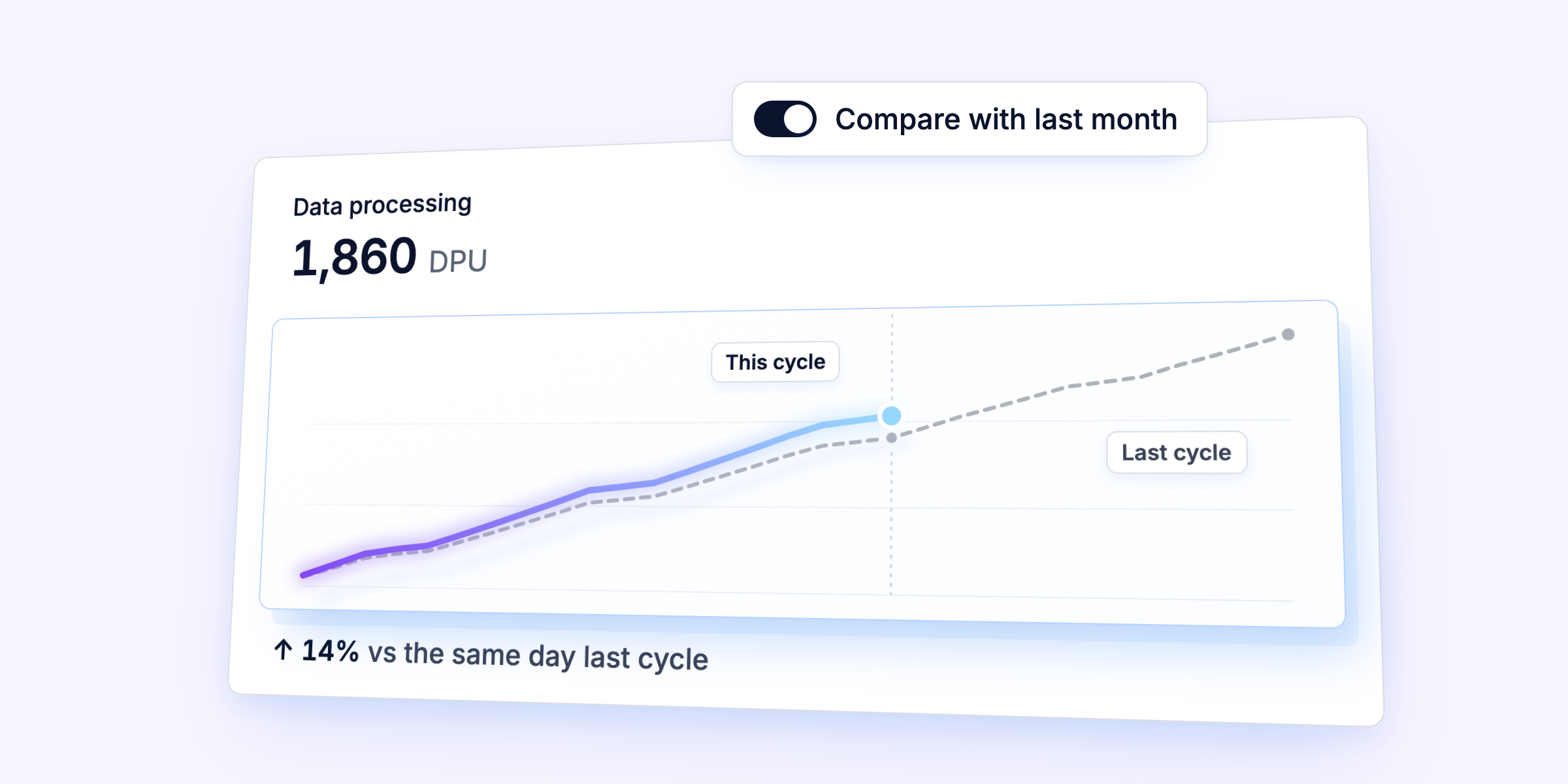
- Compare with the previous cycle. Switch on "Compare with last month" to see both cycles as two lines, aligned by day of cycle. Under each chart, a line gives the percentage change against the same day of the last cycle.
- Open your billing portal and invoices. The Billing section shows your plan and its billing period, and Manage Billing opens your billing portal in a new browser tab. Recent invoices covers the last 12 months with a status such as Paid or Payment due, and each invoice opens as a PDF.
Where to find it
Click Settings at the bottom of the sidebar, then open Usage & Billing in the Organization group.
Availability
- Organization Admins only.
- The Billing section appears only for organizations whose billing BEEM manages, and Usage appears for all.
- The app is in English.
Launched on
September 22, 2026
2612.1
Category
Admin & Security